Amazon FBA Grade & Resell Updates 2025
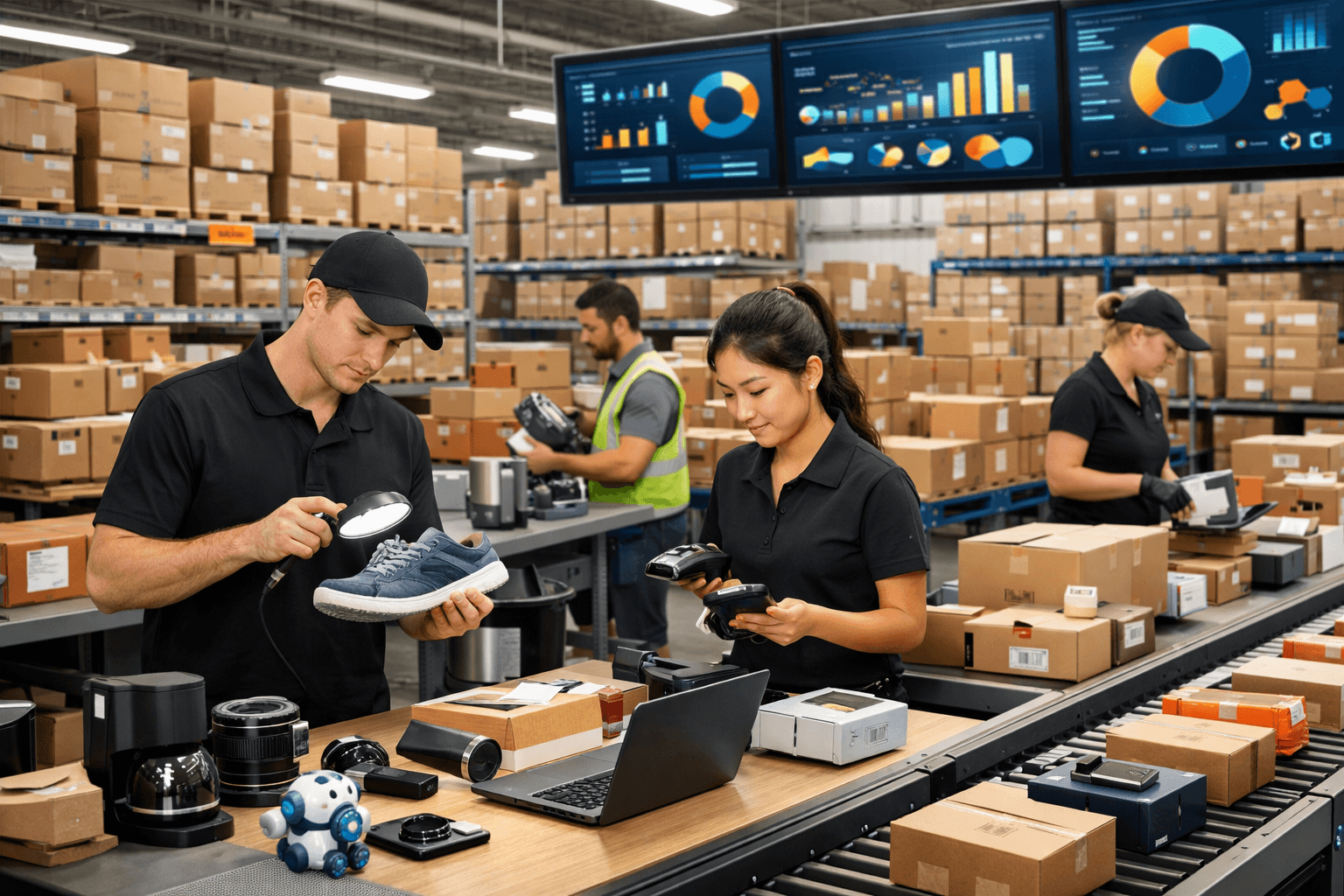
For Amazon FBA (Fulfillment by Amazon) sellers, managing customer returns is one of the most persistent operational headaches. Historically, returned inventory often meant direct losses, high disposal fees, or complicated liquidation pipelines. The FBA Grade and Resell program changed this dynamic by allowing Amazon's warehouse teams to inspect, grade (ranging from Like New, Very Good, Good, to Acceptable), and relist returned items as used products.
In 2025, Amazon rolled out major updates to this program, designing it to be more flexible, operationally efficient, and profitable for multi-channel brands. These updates center around three principal enhancements:
- New Expanded Product Categories
- Automatic Out-of-Stock SKU Removal
- Granular ASIN Inclusion Controls
This comprehensive guide dissects these updates, analyzes their potential impact on your profit margins, and provides actionable recommendations to integrate them into your workflow.
Introduction: Why Customer Returns Can Make or Break FBA Margins
Returns are an unavoidable reality of modern e-commerce. In sectors like fashion or consumer electronics, returns can reach upwards of 20% to 30%. When an items goes back to an Amazon fulfillment center, the seller faces an immediate decision: recall the item (paying removal fees), request disposal (paying disposal fees), or attempt liquidation.
The FBA Grade and Resell program acts as a safety valve. Instead of abandoning returned inventory, sellers can automate its resale as used stock. In 2025, the new updates make this program a primary channel to recover value and improve sustainability.
1. Expanded Categories: Apparel, Shoes, and Luxury Items
The first and most significant update is the expansion of eligible product categories. Prior to 2025, the Grade and Resell program was restricted to categories with straightforward grading criteria, such as books, home goods, and basic electronics.
The program now officially supports:
- Apparel and Clothing
- Shoes and Footwear
- Luggage and Travel Gear
- Watches
- Jewelry
Why This Category Expansion Matters
Clothing and shoes represent some of the highest-returning categories on Amazon, primarily due to sizing, fit, and style preferences. Under the old system, garments returned with minor package damage or tags removed were often destroyed or liquidated for pennies.
By utilizing the Grade and Resell program for these luxury and high-frequency goods, you can retrieve up to 40% to 60% of your retail value on returned products. The warehouse inspectors assess the condition of garments and footwear under strict guidelines to ensure customer satisfaction upon resale.
2. Automatic Out-of-Stock SKU Removal
Operational efficiency is crucial to maintaining a healthy FBA business. In previous iterations of the program, out-of-stock items remained in the Grade and Resell inventory dashboard indefinitely. Sellers had to manually remove inactive SKUs to keep their catalogues sorted.
Beginning in 2025, out-of-stock SKUs are automatically removed from your active Grade and Resell lists of eligible products.
[Out-of-Stock Condition Triggered] ──> [System Detects Zero Inventory] ──> [Auto-Deletes SKU from Resell View]
Key Operational Benefits
- Dashboard De-cluttering: Your inventory management files stay clean, allowing you to focus entirely on stock available for purchase.
- Smarter Reordering: Automated cleanups prevent your ERP systems from analyzing inactive or obsolete SKUs as active listings, eliminating false demand signals.
- No Overlapping Listings: Prevents pricing conflicts where used SKUs with no inventory skew the buy-box calculations of your main listings.
3. Granular ASIN Inclusion or Exclusion Controls
Every product profile is different. In the past, enrolling in FBA Grade and Resell was largely an all-or-nothing proposition. Sellers enrolled whole categories without the ability to filter out specific, high-risk items.
The 2025 updates introduce ASIN-level controls. Sellers can now curate their listings to target only products that fit the program's grading metrics.
Strategy for ASIN Selectivity
- High-Margin/Durable Focus: Onboard products that have high customer loyalty and sturdy build quality. Electronic accessories, luxury watches, and travel luggage are ideal candidates.
- Low-Margin/Fragile Avoidance: Exclude items with low price points (where processing and grading costs eat up all potential profit) or products that break easily during return transit.
- Brand Protection: If your brand has strict policies against used resales on premium listings, you can selectively exclude those ASINs to maintain brand exclusivity.
Cost Recovery Comparison
Sellers should model their recovery metrics to determine the financial sense of these updates. The table below represents estimated value recovery across options:
| Disposal Strategy | Average Cost | Recovery Rate | Operational Effort |
|---|---|---|---|
| FBA Disposal | 0.50 - 1.50 |
0% | Minimal |
| Return to Seller | $1.00 + Shipping | Varies (20-50%) | High (Inspection & Re-freight) |
| FBA Liquidation | Free/Low Fee | 5% - 10% | Minimal |
| FBA Grade & Resell | Platform Processing | 35% - 65% | Automated (No manual freight) |
Integrating with the Amazon SP-API
To manage this program at scale, sellers can query the Amazon Selling Partner API (SP-API). Using the Fulfillment Outbound API or the Reports API, you can track Grade & Resell inventory status, monitor the grading results of returned items, and feed this data back into your inventory forecasting models in real time.
Integrating with SP-API ensures that when Amazon grades a product as "Used - Very Good," your automated systems can price it optimally to secure a quick sale without undercutting your new items.
Conclusion: Leveraging Grade & Resell for E-commerce Growth
The FBA Grade and Resell updates for 2025 provide a robust framework to mitigate the negative impact of customer returns. By expanding into apparel and fashion, automating dashboard cleanups, and delivering targeted ASIN controls, Amazon has given merchants a powerful tool to protect their margins.
To get started, navigate to your Fulfillment by Amazon settings in Seller Central, review your return metrics, and establish selective ASIN inclusion rules to turn customer returns into a viable revenue recovery pipeline.
Thanks for reading!